jsonvalidationdebugging
How to Validate JSON: 5 Ways to Check for Errors
Discover multiple methods to validate JSON data, from manual checks to online tools and IDE features. Ensure your JSON is error-free.
6 min read
Read45 free tools · no signup
Format and validate JSON, beautify HTML/CSS/JS/SQL, decode JWTs & Base64, generate SHA-256 hashes & UUIDs, test regex, crop PDFs, and create QR codes — fast, free, and 100% client-side.
Fast, browser-only utilities developers reach for every day.
Pretty print, beautify, minify, and validate JSON online free. Tree view, file upload, private browser-only.
Write HTML, CSS, and JavaScript and see the result live. Responsive sizes, console output, and download.
Open .md files and preview Markdown live, GitHub-style. Edit with a toolbar and convert Markdown to HTML.
Crop all PDF pages at once and remove white margins online free. No upload, no watermark.
Free QR code generator for links, WhatsApp, WiFi, email, SMS, phone, and vCard. Download PNG or copy Base64.
Encode text, files, and images to Base64 or data URIs. UTF-8 safe, with URL-safe Base64URL option.
Decode JSON Web Tokens to read the header, payload, and claims, and check if a token has expired.
Test JavaScript regular expressions with live match highlighting, capture groups, and replace.
Jump straight to any JSON, code formatting, encoding, hashing, or PDF utility.
Format, validate, compare, and convert JSON, CSV, and XML — or generate TypeScript, Go, Python, Rust, and SQL.
Beautify, minify, and preview HTML, CSS, JavaScript, Markdown, SQL, XML, and YAML.
Encode and decode Base64, URLs, and JSON Web Tokens.
Generate MD5, SHA-1, SHA-256, SHA-512, and HMAC hashes for text and files.
UUIDs, regular expressions, Unix timestamps, and cron schedules.
Crop, delete, insert, and add pages to PDFs without uploading them.
Create QR codes and barcodes and download them as PNG.
Everything runs in your browser. Files and input are never uploaded.
Instant results with no waiting on servers or page reloads.
No accounts, no watermarks, no usage limits.
Desktop, tablet, or phone — light and dark mode.
In-depth coding tutorials and troubleshooting guides
Discover multiple methods to validate JSON data, from manual checks to online tools and IDE features. Ensure your JSON is error-free.
Practical web development tips, JSON guides, and debugging walkthroughs
Learn why minifying JSON is important for performance and discover tools and techniques to compress your JSON data effectively.

Welcome to our blog! Learn about our mission to become the best resource for JSON knowledge, tips, and tools for developers and beginners alike.
Discover why online JSON formatters can be better than IDE tools. Speed, accessibility, no setup required, and ease of sharing make online tools ideal.

Learn why our JSON formatter is completely secure and private. All processing happens client-side in your browser—your data never leaves your device.
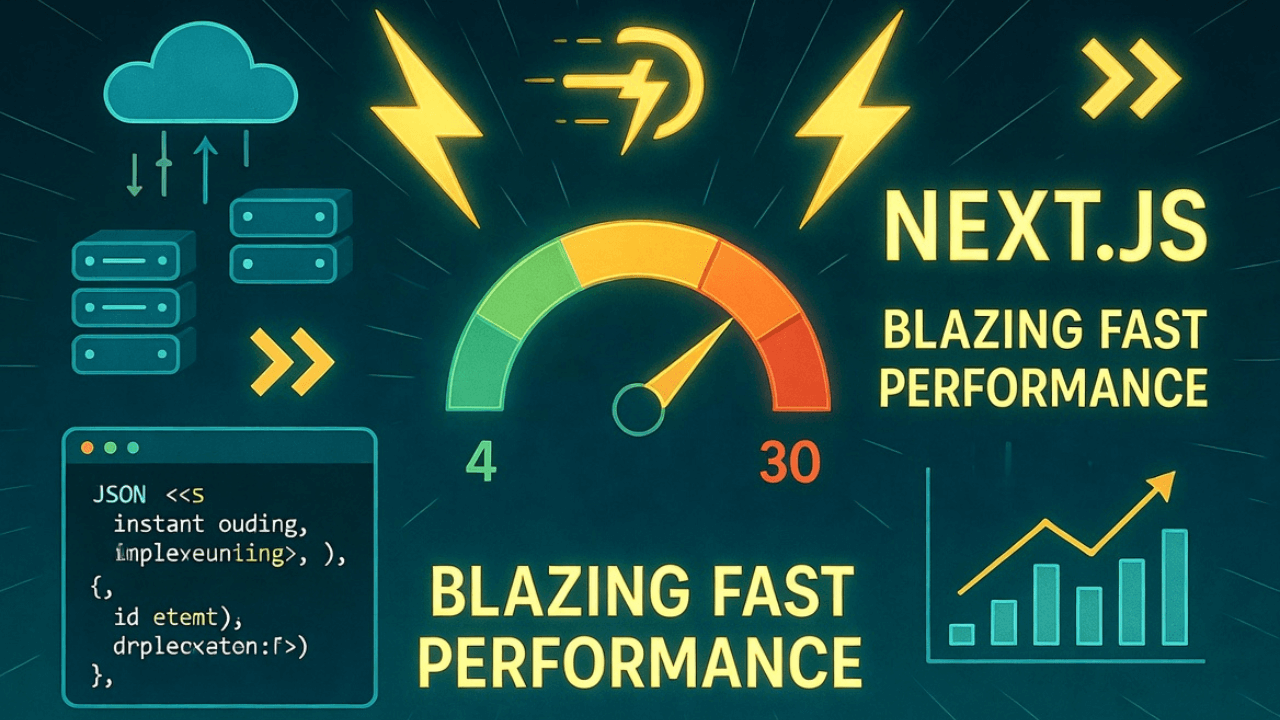
Explore the performance optimizations behind our blazing-fast JSON formatter. Learn how Next.js static generation and modern web techniques deliver instant results.
Discover how we achieved a perfect 100% Lighthouse score for our JSON formatter. A deep dive into Next.js performance optimization, accessibility, and best practices.
Everything you need to know about KaviForge browser-based developer tools.
Yes. Every tool on KaviForge runs 100% client-side in your browser using JavaScript and WebAssembly. Your JSON payloads, JWT tokens, code snippets, and PDF files are never uploaded to any server, and no signup or account is required.
KaviForge includes 45 browser-based tools across 7 categories: JSON & Data Tools (JSON Formatter, JSON Diff, JSON to TypeScript/Go/Python Pydantic/Rust/SQL, CSV to JSON, JSON to CSV, JSON to XML, XML to JSON, YAML to JSON, JSON to YAML), Code Formatters (HTML, CSS, JS, SQL, XML, YAML, Live HTML/CSS Preview, Markdown Preview), Encoders & Decoders (Base64, Image to Base64, Base64 to Image, URL, JWT), Hash Generators (MD5, SHA-256, SHA-512, HMAC), Developer Utilities (UUID v4/v7, Regex Tester, Unix Timestamp, Cron Generator), PDF Tools (PDF Cropper, Delete PDF Pages, Insert Blank PDF Page, Add Image to PDF, PDF Page Manager), and QR/Barcode Generators (WiFi QR, WhatsApp QR, Barcode).
Yes. Both the KaviForge PDF Cropper and PDF Page Manager process documents locally in your browser memory. You can crop margins across all pages at once, delete pages, insert blank pages, or merge PDFs without uploading files or getting watermarks.
Yes. Because all formatting, validation, and decoding happen locally inside your browser tab with zero network requests for your input data, sensitive API payloads, configuration files, and JWT claims stay on your device.